Built for collectors who actually build
Your bricks, beautifully organized
See your collection at a glance, keep wishlists tidy, share lists with a link, and dig into parts inventory when you are ready to sort the pile.
Everything you need to keep your hobby under control
From “what do I own?” to “what should I buy next?”—without spreadsheets or scattered notes.
-
Collection that stays current
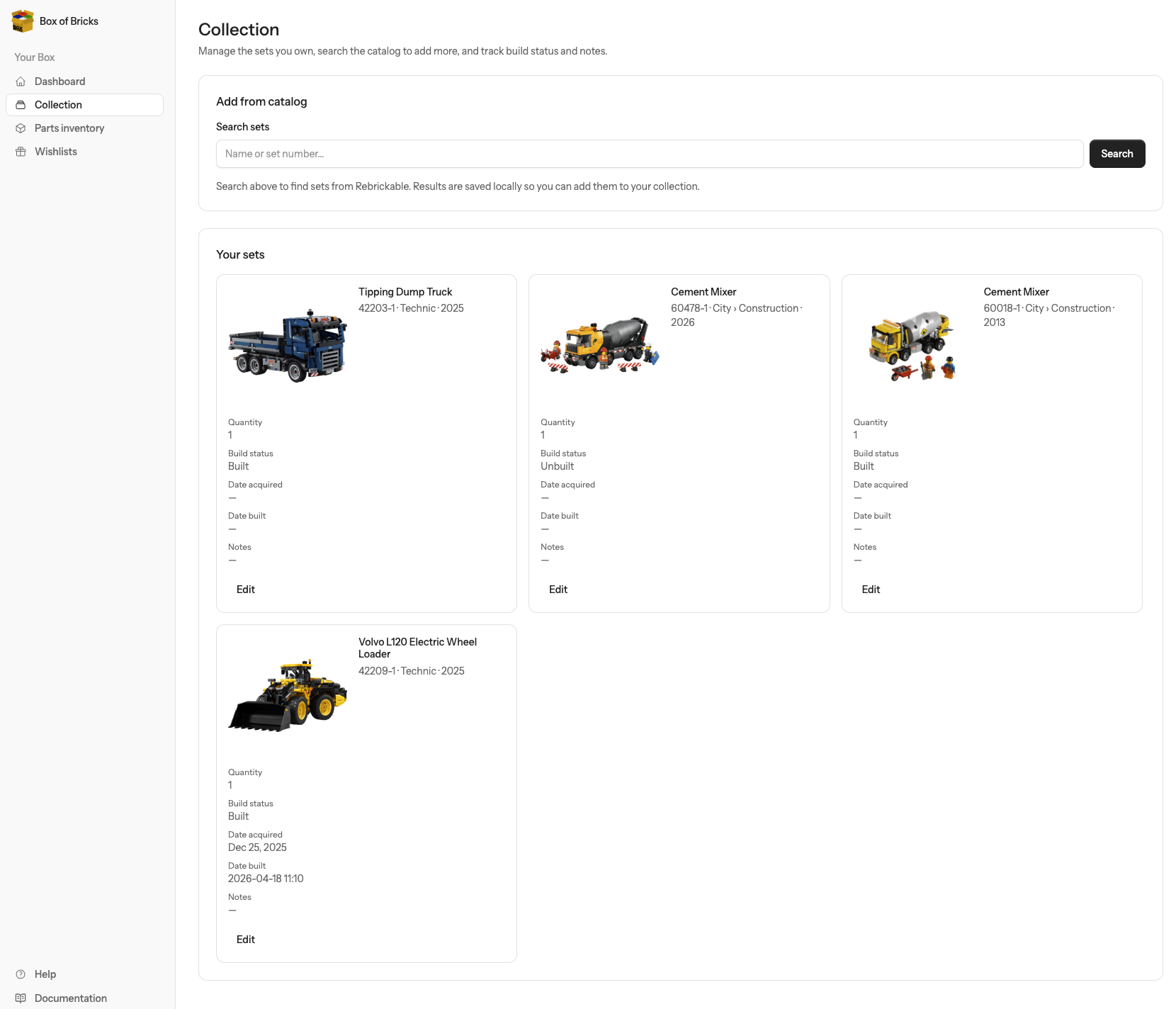
Track sets you own, what is built, what is still in the box, and what you are hunting—pulled together in one calm overview.
-
Set spotlight & favorite themes
Pick a theme you love and get a friendly spotlight on your dashboard—great for rediscovering a set from your own shelves.
-
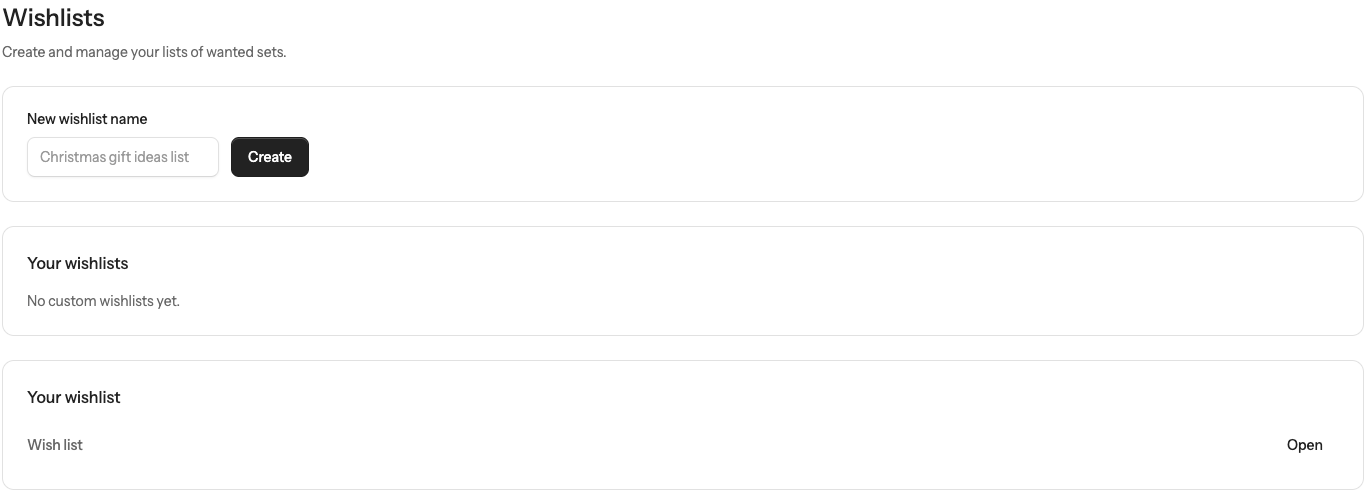
Wishlists you can share
Build wishlists and share a public link so friends and family know what would actually make you smile.
-
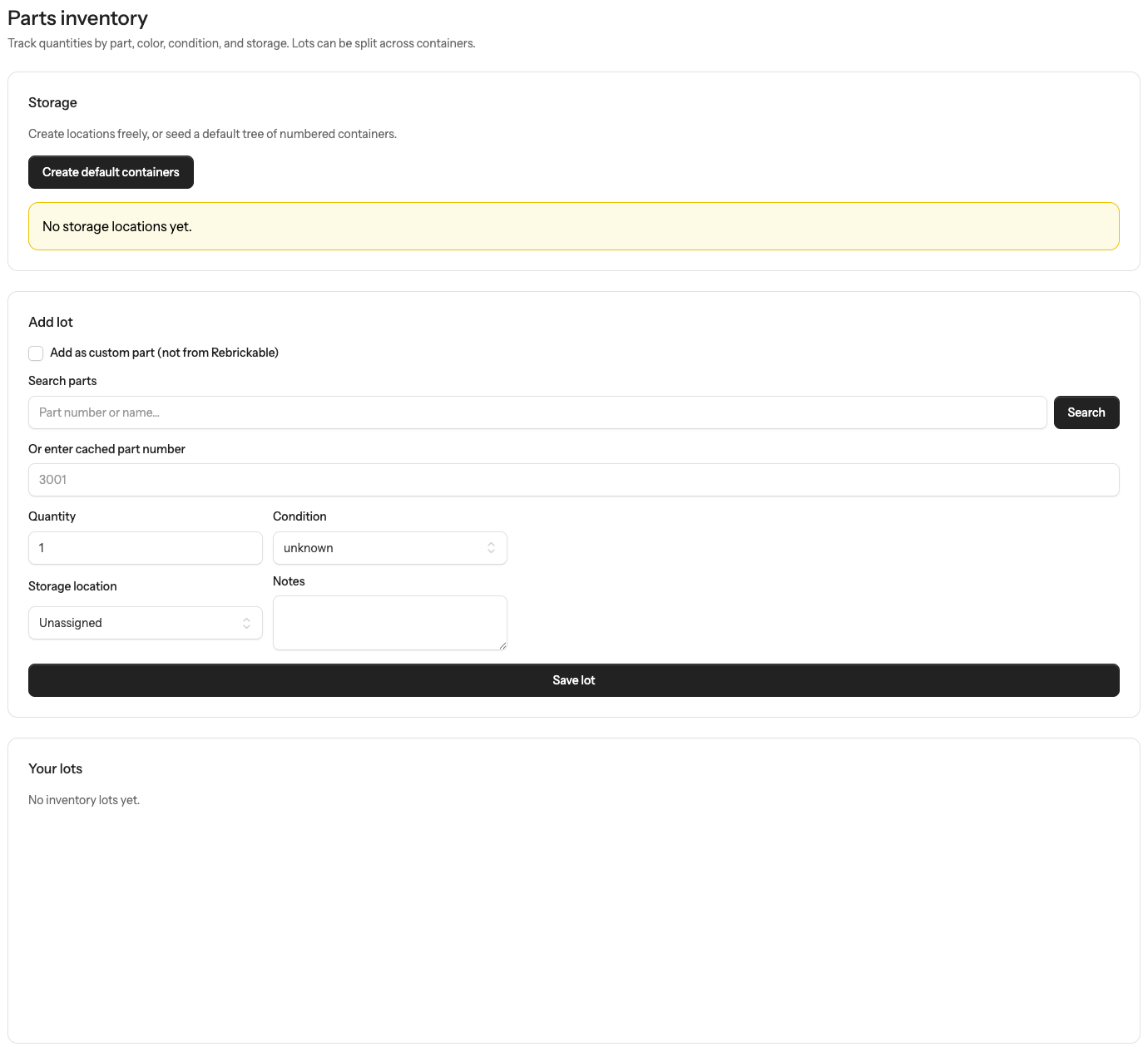
Parts inventory (when you are ready)
Go beyond sets: organize lots and quantities so MOC plans and rebuilds feel possible—not overwhelming.
-
Looks good in the light—or the dark
A UI that respects late-night sorting sessions and sunny afternoon builds alike.
-
In-app documentation
Signed-in members can open documentation from the app when you want a little extra guidance.
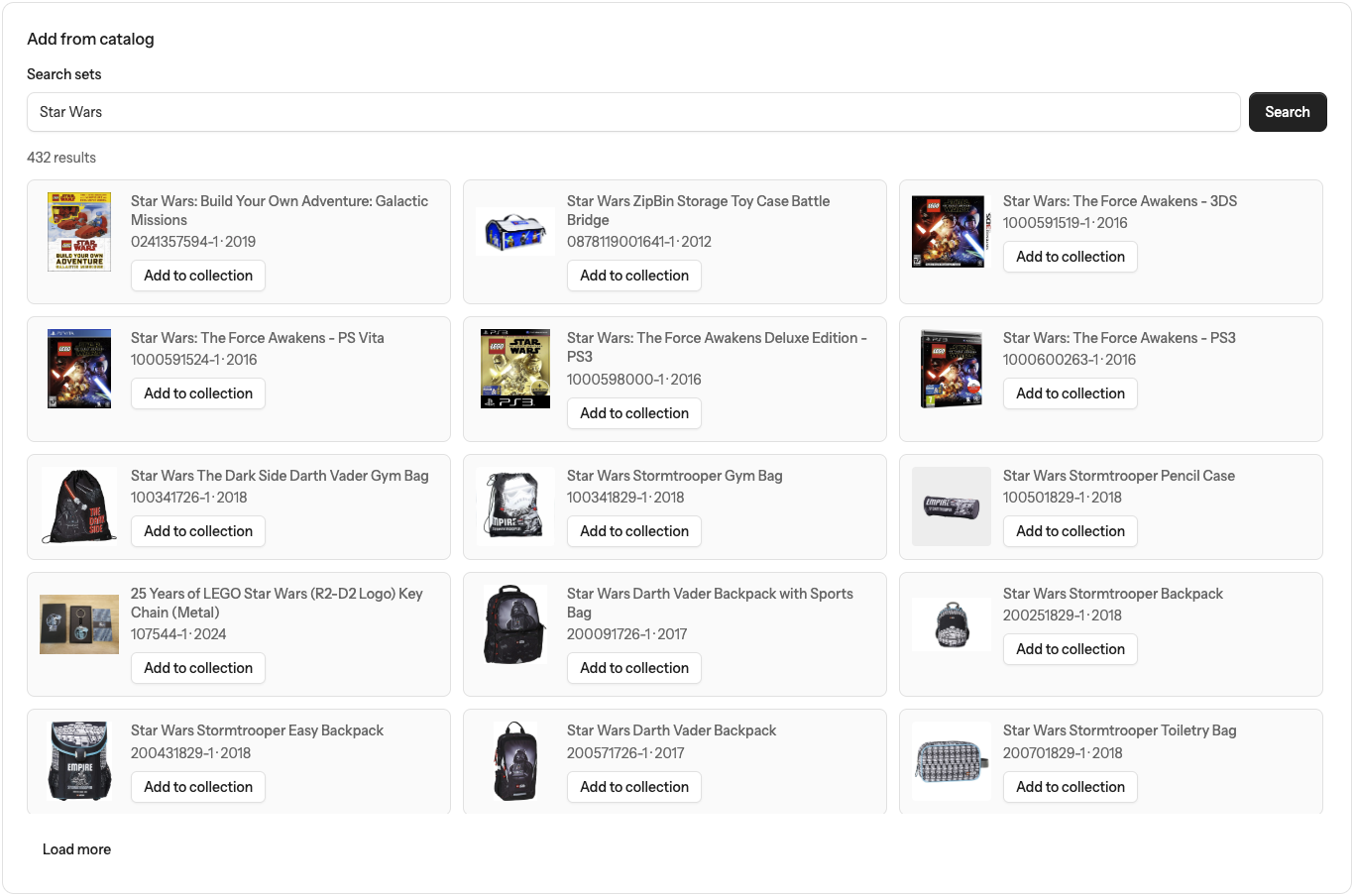
See it in action
Seeing is believing. Features currently available in Box of Bricks.
FAQ
Straight answers so you know what to expect before you sign in.
- Do I need an invite?
- Yes, Box of Bricks is currently invite-only.
- Is this only for LEGO® bricks?
- The product voice here is brick-collector friendly. Your catalog data may come from community sources you already use in the app.
- Can I try it without an account?
- No. The collection and inventory tools are available only after you sign in.
Ready to tidy the brick pile?
Sign in if you already have access, or follow Box of Bricks on social media to be notified when invites are available.